Teaching older relatives the basics of using a smartphone
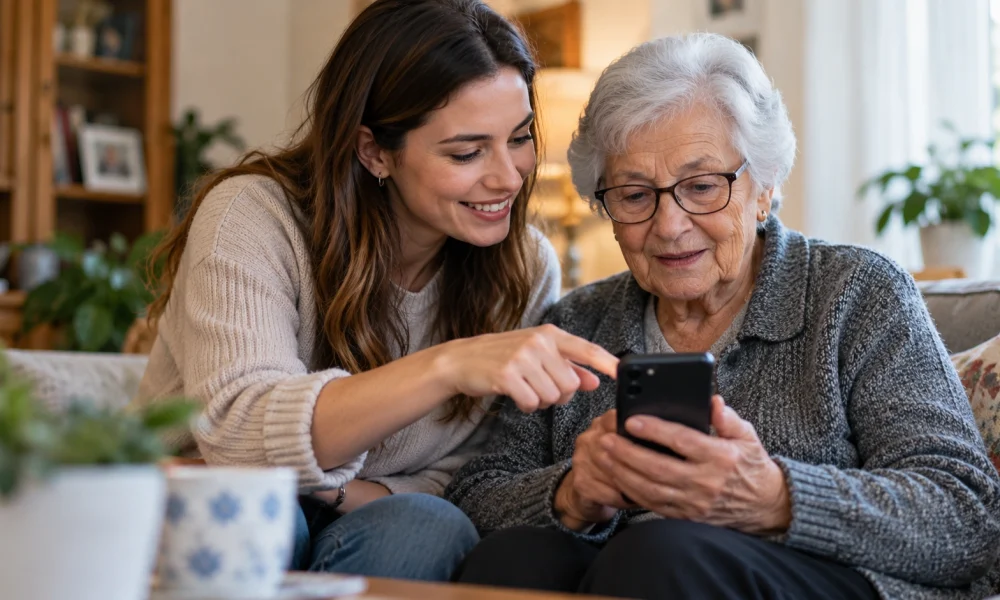
Teaching an older relative to use a smartphone tends to go better when it starts from what they actually want to do, rather than a general tour of the device. Someone who mostly wants to video call grandchildren has a completely different starting point than someone trying to manage online banking, and mixing the two into one long lesson usually overwhelms both sides.
Writing down the exact steps for two or three specific tasks, in the order they happen, tends to work better than a spoken explanation that’s easy to forget by the next day. A short numbered list taped near the charging spot — how to answer a video call, how to send a photo, how to call for help if something looks wrong — turns into a reference that doesn’t rely on remembering a lesson from weeks ago.
It also helps to separate “this looks scary but is harmless” from “this actually needs caution,” since a lot of hesitation around smartphones comes from not being sure which pop-ups and messages are safe to dismiss. A quick note about what a real security warning looks like, versus an ordinary notification, often does more for confidence than another round of app tutorials.
Patience matters more than any specific teaching technique here. Progress with an older relative and a new device tends to happen in small, sometimes frustrating steps, and celebrating a genuinely small win, like successfully sending one photo unassisted, does more for confidence than moving straight to the next lesson.
Confidence with a new device tends to build the same way with anyone, at any age: one small, successful task at a time, repeated until it feels ordinary.
In the end, the people who get the most out of technology at home tend to be the ones who treat it as something to periodically tidy and check in on, not something that’s set up once and left alone indefinitely.