Setting up a home office on a budget
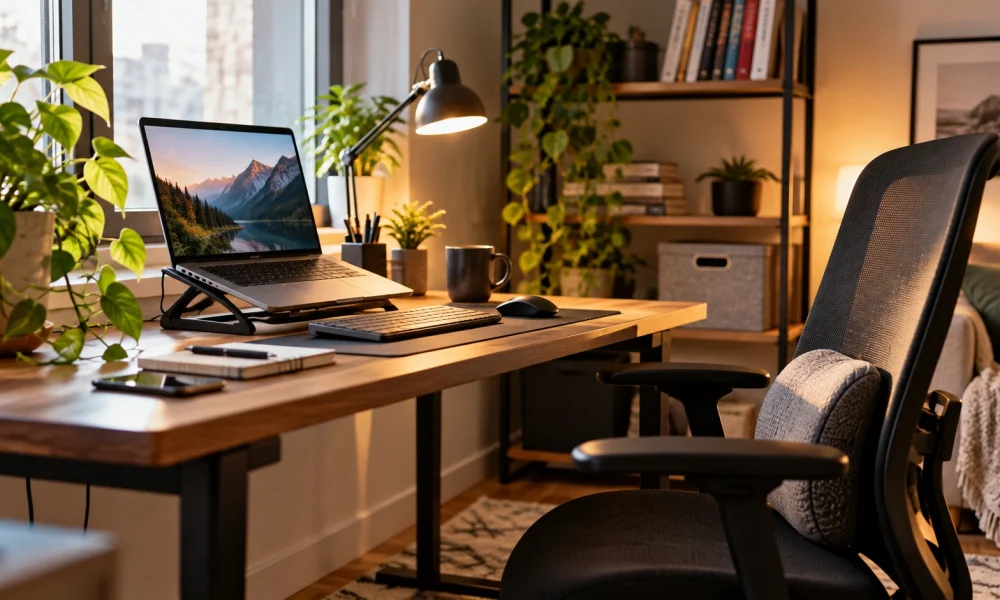
A comfortable home office doesn’t require an expensive standing desk and a matching chair from day one; most of the discomfort people associate with working from home comes from a handful of specific, fixable problems rather than the overall setup being cheap. Screen height is usually the first culprit — a laptop used at table height forces the neck down for hours, and a stack of books or a cheap stand under the screen fixes most of that instantly.
After screen height, the next thing worth spending a little money on is an external keyboard and mouse, since typing directly on a laptop keeps the hands closer together than is comfortable for long sessions. A separate keyboard is one of the cheapest upgrades available and tends to make the biggest difference in daily comfort, even before touching chairs or desks at all.
Lighting is the item people budget for last and notice first once it’s fixed: a desk facing a window, or a simple lamp angled to avoid glare on the screen, cuts down on the eye strain and headaches that often get blamed on screens themselves rather than on poor lighting around them.
None of these upgrades need to happen at once, and a home office that improves gradually over a few paychecks tends to be sustainable in a way that one big expensive purchase, made all at once and then never revisited, often isn’t.
A workspace that gradually gets more comfortable tends to get used more consistently than one that stayed uncomfortable while waiting for a perfect, all-at-once setup.
In the end, the people who get the most out of technology at home tend to be the ones who treat it as something to periodically tidy and check in on, not something that’s set up once and left alone indefinitely.