How to spot a phishing email or text message
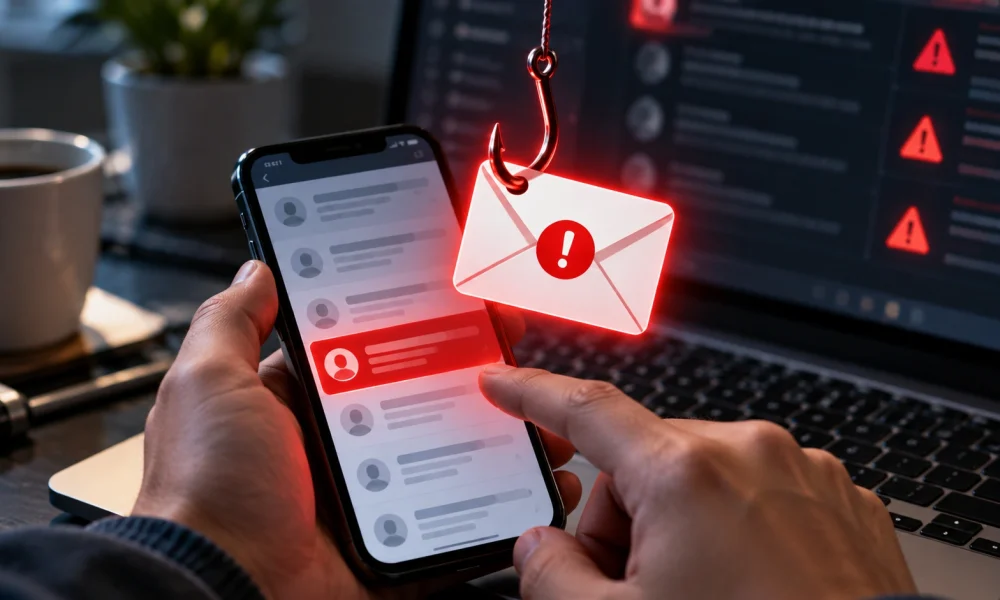
Phishing messages have gotten harder to spot at a glance, mostly because the obvious spelling mistakes and broken logos of a decade ago have largely been replaced with convincing copies of real bank, delivery or government messages. What hasn’t changed is the underlying pattern: almost all of them try to create urgency, and almost all of them push toward clicking a link or replying with information rather than logging in through the usual app or website.
A useful habit is treating urgency itself as the warning sign, regardless of how professional a message looks. A real bank or delivery company rarely needs an account confirmed, a payment updated, or a package rescheduled within the next few hours, and legitimate organizations don’t mind if someone takes a slower, safer route to check. Hovering over a link, without clicking, to see the actual web address it leads to — or better, opening the official app directly instead of tapping anything in the message — avoids the trap entirely.
It also helps to remember that phishing doesn’t only arrive by email anymore; text messages and messaging apps are increasingly common channels, partly because people tend to trust them more and read them faster. The same slow-down-and-check habit applies regardless of which app the message shows up in.
It’s also worth teaching this same slow-down habit to less tech-comfortable family members directly, since scam messages increasingly target whoever in a household is seen as the easiest target, not necessarily the person reading this guide.
A little healthy suspicion toward urgent messages, applied consistently, prevents far more trouble than any single piece of security software, no matter how advanced.
In the end, the people who get the most out of technology at home tend to be the ones who treat it as something to periodically tidy and check in on, not something that’s set up once and left alone indefinitely.